
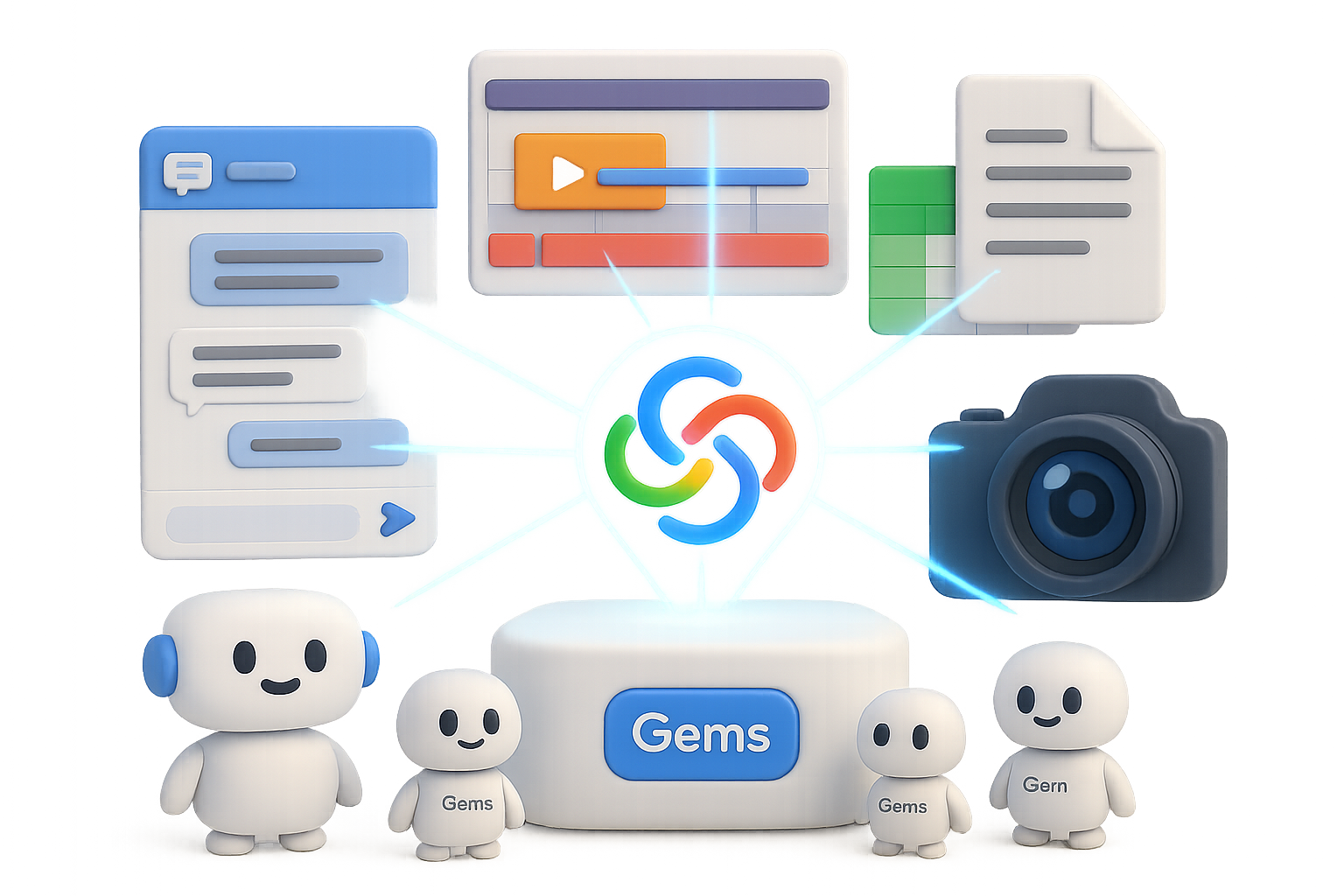
Meet Google Gemini: Your Multimodal Swiss-Army Knife
You’re not just here for another chatbot demo—you’re here to get work done. Fast, smooth, and maybe even a little fun. And Gemini? It’s not just in your corner. It’s your creative ops team, research assistant, code partner, and visual editor—rolled into one AI powerhouse.
This post gives you a real-world, no-fluff tour of what makes Gemini tick—and how you can actually use it, without 47 tabs or technical gymnastics.
Here’s what we’ll cover:
- Gemini’s top tools (and why they matter for real workflows)
- How multimodal changes everything you thought you knew about AI
- Hidden features 99% of users miss—but you won’t
- Pro tips to make you look like a power user from day one

Work Smarter with These Key Interfaces
Gemini speaks your language—whether that’s text, image, video, or even a spreadsheet. Here’s the toolkit.
1. Chat: Three Flavors, One Brain
- Fast – Quick, crisp answers for basic tasks.
- Thinking – Slower, deeper responses with memory and better logic.
- Advanced – Built for heavy math, dense code, and deep dives.
Switch based on your need—not just your patience level.
2. ImageFX: Turn Words Into Pixel Magic
Describe what you want, tweak with plain English, and boom—you’ve got assets ready for thumbnails, storyboards or moodboards.
3. Veo: Your AI Filmmaker (Paid Tier)
Create 1080p video clips with synced audio, realistic SFX, and voice. Use those limited credits wisely—this is for highlight reels, not homework.
4. Notebook LM: Your Second Brain
Load up transcripts, PDFs, or URLs. Gemini reads, cites, and synthesizes—like a literate assistant who doesn’t sleep.
5. Canvas: Collaboration Meets Code Meets Docs
Real-time co-editing with live AI suggestions. Mockups, scripts, longform reports—this space handles it all.
6. Deep Research: Research That Writes Itself
Drop in a question. Gemini breaks it down, gathers credible sources, double-checks, and formats the final draft.
7. Gems: Build Once, Reuse Forever
Tiny bots with persistent memory and rules. Think: “AI macros” with actual brains.

Why Multimodal Isn’t Just a Buzzword
If you’re still typing long prompts like it’s 2022—you’re missing the point.
Gemini’s power is this: Whatever you feed it—video, charts, 80-page docs—it turns into exactly what you need. No task-switching, no reformatting, no sweat.
Examples?
- Drop a giant PDF → get a bulleted summary, a quiz, and a visual explainer
- Paste in 5 YouTube links → get pacing breakdowns and common hook styles
- Snap a pic of your sad houseplant → get watering advice and repotting steps
It can handle up to 1 million tokens of context—that’s the entire Harry Potter series. So forget clever phrasing. Focus on great inputs. The context is your superpower.

Turn Repetition Into Automation with Gems
If you’ve Googled the same phrase three times this week—it’s time to build a Gem.
Here’s how:
- Go to Gems → click New Gem
- Name it what you actually use it for (e.g., “Weekly Expense Tracker”)
- Add prompts like: “When I upload receipts, extract date, item, amount, and category. Output as a table.”
- Hit save. Done.
Next time, just upload the file—and the Gem handles it.
Want to go pro?
- Sync to Google Sheets for monthly totals
- Stack with Notebook LM to cross-check against bank statements
- Drop it all into Canvas for live charts
Now you’ve got a full workflow, not a one-and-done chat.

5 Smart Workflows You’re Probably Not Using (Yet)
Ready to stand out? These examples stack tools for max leverage.
1. YouTube Growth Engine
- Create a YouTube Strategist Gem
- Load transcripts + analytics into Notebook LM
- Ask for content gaps and longtail title ideas
- Use Canvas for scriptwriting
- Add visual flair with ImageFX and teaser clips via Veo
Don’t just publish—optimize.
2. AI Garden Coach
- Snap your garden layout
- Ask Gemini for crop combos that suit your zone
- Get a visual planting guide, seasonal reminders, and a personalized care calendar
- Use real-time video to diagnose during the grow season
Yeah, your tomatoes just got tech support.
3. Zero-to-Startup Sprint
- Scan Reddit or forums via Chat for pain point validation
- Launch Deep Research for market and competitor data
- Rapid-prototype in Canvas
- Generate your brand kit and pitch deck in Notebook LM
- Capture it all inside a Startup Gem that tracks deliverables
Investors love a founder with systems.
4. Dynamic Learning Path
- Upload a dense book or manual
- Let Gemini chunk it into lessons
- It tests you, draws visual aids and tracks progress
- It’s a tutor that doesn’t drift off after lunch
5. Live Visual Debugging
- Aim your webcam at error-riddled code
- Gemini reads, explains, rewrites
- Fixes pushed straight to Canvas
Goodbye rubber duck, hello real-time AI pair programming.

Pro Tips for Pros (or Anyone Who Fakes It Well)
Here’s how to stretch those Gemini muscles without snapping them.
- Default to “Thinking” mode. It’s slower, but way smarter—especially with research or logic-heavy work.
- Chunk your uploads. Large docs? Break into logical parts for stronger structure in output.
- Canvas = Time Machine. Fix mistakes or rewind changes with built-in edit history.
- Use free wisely, spend smart. Most tasks run fine on the free tier. Save credits for Veo clips and mission-critical jobs.
- Stack smarter. Combinations (Gems + Notebook + Canvas) compound benefits fast.

Ready to Level Up?
Gemini isn’t just a chatbot. It’s a system builder. A task finisher. A sidekick who never gets tired.
Start small—a Gem here, a Notebook there. Then connect the dots.
That’s where the real value shows up. And the gap between reactive users and proactive builders? Massive.
Want guided lessons to go from “curious” to “confident”?
👉 Start learning with Tixu now—your beginner-friendly launchpad into real-world AI workflows.

Leave a Reply