
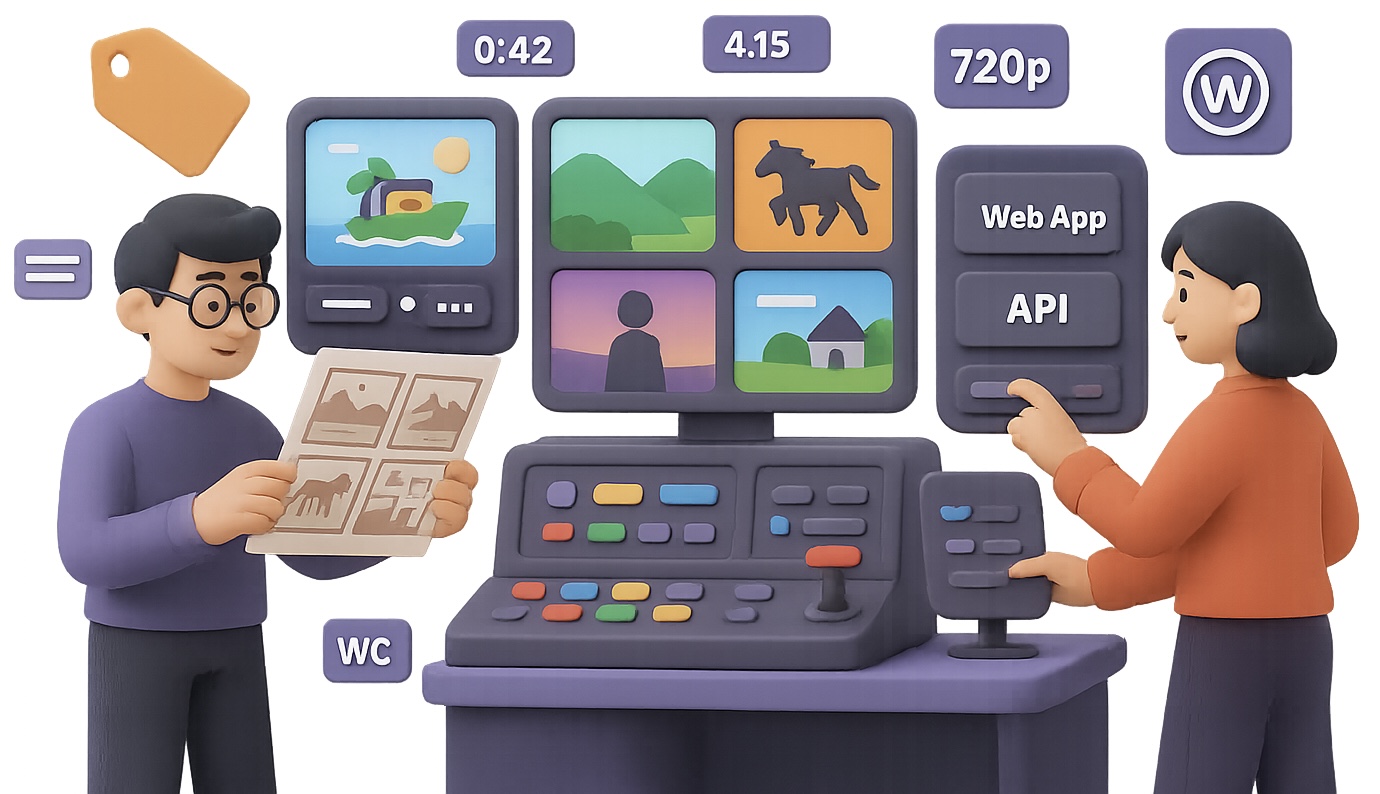
Sora 2 Is Finally in the Wild – Here’s What You Should Know
You’ve heard the buzz—Sora 2 just broke out of its invite-only silo and opened up to everyone. That means you finally get to play with OpenAI’s video model without jumping through hoops… but heads up: with great power comes weird rules, watermark drama, and mystery pricing.
Think of this as your cheat sheet to Sora 2. You’ll get:
- The real story on access options
- What it actually costs (per second)
- Five hacks creative pros are already using
- When to pick API vs. Web app (and when to skip both)
Let’s break it down so you can start generating sharp, professional video clips—without racking up a $400 bill by accident.
Choose Your Portal: API or Web App?
OpenAI gives you two ways in:
1. Web App (chat.openai.com → Sora tab)
- Up to 15 seconds in HD, 10 in standard
- Watermarks on every clip—yes, even if you’re paying $200/month
- Hard limit of 30 generations/day
2. API (surfaced in tools like Krea.ai, Higgsfield, Freepik)
- No watermarks
- Max 12 seconds per clip
- 1080p output available
- Cameo (“reference photo”) feature is turned off
Your move: The API gives you cleaner outputs and automation options. The web app gets you cameos and a few extra seconds. Creators focused on production-ready material usually lean API, then stamp their own branding afterward.

The Pricing Fog: Cleared
OpenAI tossed out raw prices, but most front-end platforms wrap them in “credits”—making things fuzzy. Let’s keep it real.
Here’s what you actually pay via API:
- 720p Portrait: $0.10 per sec
- 720p Landscape: $0.30 per sec
- 1080p (“Pro” quality): $0.50 per sec
So, a 12-second 1080p shot costs ≈ $6 via API. Add platform markup (common), and you’re closer to $7–$8 per render.
What about that $200/month ChatGPT Plus plan? Max it out—30 generations/day—and you’re paying between $0.22 and $0.55 per clip.
But the watermark kills it for commercial use. Use the web app for social content, memes, and experiments. When quality matters? API all day.

5 Sora 2 Tricks to Level Up Fast
Want real-world results, not fluff? These moves are already helping creators stretch their dollars and bump production quality.
1. Storyboard Input = Cohesive Animation
Upload a full storyboard—yes, one image. Sora reads panel layout surprisingly well, especially with anime-style frames or comic pages.
One indie animator turned six manga frames into a slick 12-sec action loop. Boom.
2. Script Page Prompts (Yes, Images)
Screenshot part of a script—80-ish words fits 15 seconds—and upload as an image prompt. Sora often merges lines and juggle speakers, but it feels like real dialogue.
Perfect for trailers, proof-of-concept clips, or cutting corners on voiceover.
3. Consistent Characters (With a Loophole)
Photo-real faces are blocked in image-to-video. But sketched characters? Totally fair game. Scan a pencil outline, prompt “cinematic realism,” and cross your fingers.
50/50 success rate—but cleaner sketches boost odds.
4. Budget Smart: Generate Low, Upscale Later
Use the 720p landscape tier ($0.30/sec), then upscale with Topaz Video AI or DaVinci Resolve’s “Super Scale” feature. You’ll:
- Save ~40% per render
- Retain quality that’s 90%+ for most use cases
Pro creators bank this one for ad clips, music videos, and VFX tests.
5. Version Control Is Your Safety Net
Sora 2’s motion realism can shift—literally. Same prompt today and tomorrow? Different outcome. So:
- If it looks good, render backups fast
- Re-prompts sometimes deliver nerfed or glitchier physics
A little extra compute now saves a headache later.

Roadmap Gaps & What’s Rumored Next
Here’s the trade-off terrain to keep in mind:
- Cameos (reference-photo learning) exist only in the web app—for now
- Image-to-video blocks anything that seems like a real human, but stylized art is usually fine
- Google, Meta, and a wave of startups are racing to launch competitive models—expect speedruns all winter
Translation: this space is moving fast. Keep your toolkit flexible.

Quick-Select Strategy Guide
Use the API if…
- You need clean, watermark-free output
- You’re working with clips up to 12 seconds
- You don’t mind upscaling or adding audio externally
Use the Web app if…
- You need cameos for personal or brand shots
- You’re posting straight to social and the watermark doesn’t bug you
- You’re making test clips, jokes, or personal projects
Hold off (for now) if…
- You need longer runtime
- Realistic motion physics is non-negotiable
- Your project includes sensitive IP

What’s Next
Sora 2 is high-potential with some messy edges—classic OpenAI. If you’re creating for clients or platforms, you want the API. Pair it with smart prompting, a cheap upscale strategy, and a stash of image tricks, and you’ll punch way above your budget.
Want a deeper dive on creative AI (without the jargon)? Tixu makes it simple for beginners to start building, prompting, and shipping real projects with AI. Ready when you are.

Leave a Reply