
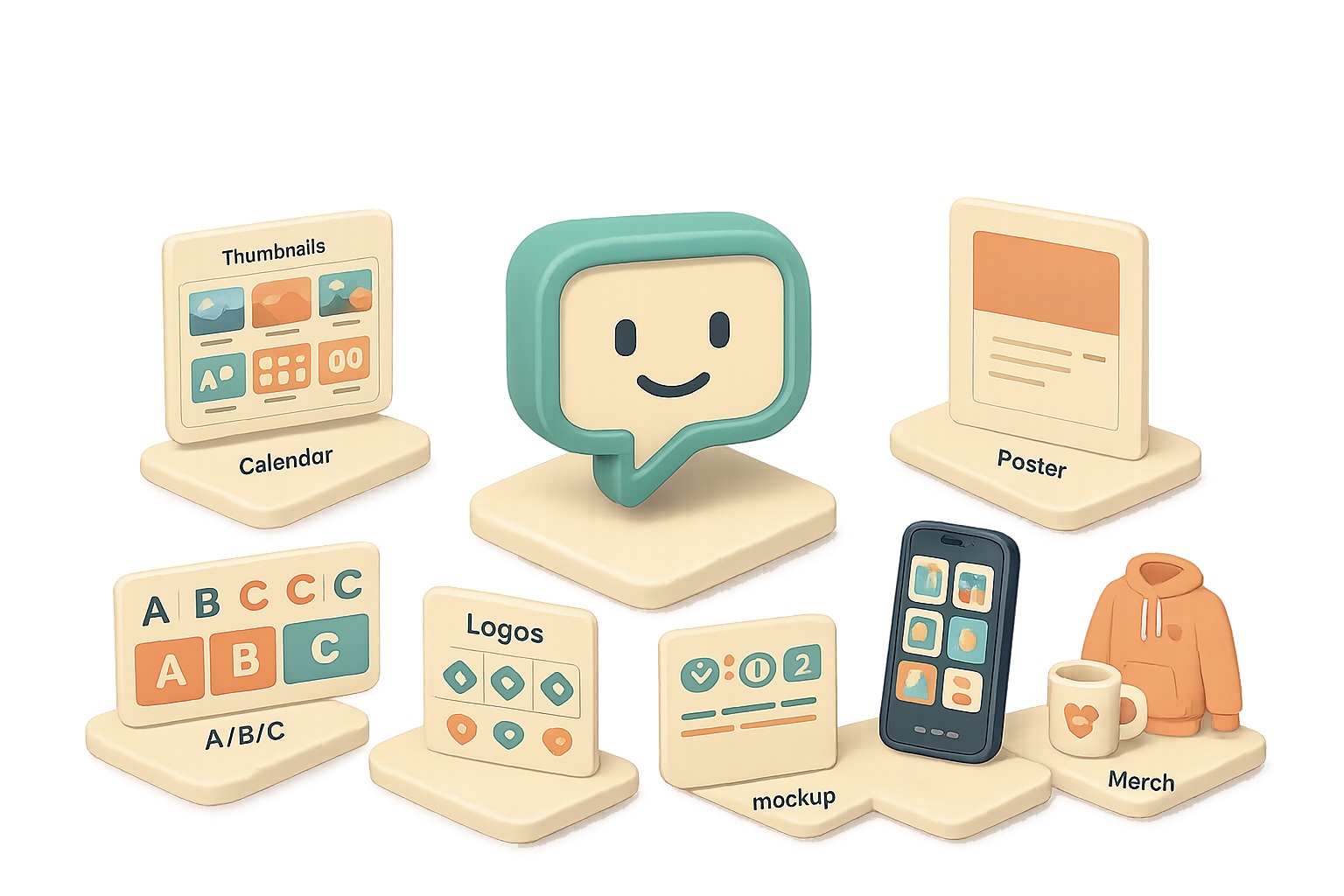
Why the new ChatGPT image model is a game-changer for your visuals
Tired of wrestling with templates, stock photos and late-night Photoshop sessions? The new ChatGPT image model short-circuits that slog. Feed it a URL, a messy note, or a sketchy brief and it returns polished visuals—thumbnails, posters, infographics, even app screenshots—that you can share or print. Fast. Clear. Useful.

Turbo-charge your content creation with the ChatGPT image model
Make better thumbnails, storyboards and A/B-ready mockups in minutes.
- Thumbnail concept boards: Ask for “six 16:9 thumbnail concepts — headline text, color palette, emotion cue.” You get six distinct directions to test.
- A/B/C test sheets: “Three mock-ups side-by-side with different hooks” gives you quick split-test creatives.
- Storyboard grids: “Nine-frame sequence for a 30s ad — shot, angle, on-screen text” ends analysis paralysis.
Use the ChatGPT image model to ship branding in minutes, not weeks
Branding shouldn’t take forever. This model turns a short brief into real assets.
- Mood boards: “Audience: busy professionals. Vibe: modern, warm.” Output: HEX codes, typography suggestions, image inspiration.
- Logo exploration sheets: “Eight logo directions with one-line rationales” helps you pick a direction fast.
- One-sheet product launches: Give a paragraph and get hero copy, mock UI screenshots, feature list, and pricing table.
Branding used to be slow—now you iterate quickly and pick what actually works.

Social calendars, organisational visual gold
Stop scribbling on a whiteboard. Get shareable calendars, trackers and boards.
- 30-day content calendar: Request a balanced mix of promos, behind-the-scenes, community prompts and tutorials. The return: a color-coded grid you can print or hand to a teammate.
- Weekly chore charts / habit trackers: Custom icons, checkboxes and rewards—ready to print.
- Project boards: “Garage makeover — phases, supply lists, timelines, budget sliders” → delivered as a Kanban-style visual.
Numbers matter: a clear content calendar reduces last-minute scramble by weeks. Try a 30-day grid and compare one campaign week vs. four—you’ll feel the time savings.

Marketing collateral at speed of thought
Need a poster, menu, or flyer? Give the model a URL or a short brief.
- Event posters & schedules: Date, location, theme → polished poster + full-day agenda graphic.
- Restaurant menus: Modern type, appetizing photography and placeholder prices—print-ready.
- Real-estate flyers: Paste a Zillow link; the model pulls address, photos and specs, then layouts a boutique flyer.
Quick contrast: manual design takes days; this gets you usable drafts in minutes.

Visual explainers & infographics that actually clarify
Accuracy has improved. Charts, timelines and mind maps land with coherent copy and numbers that make sense.
Try:
- “Infographic: How AI agents work — non-technical audience.”
- “Turn this GitHub readme into a 60-second explainer: title, five takeaways, why-it-matters box.”
- “Horizontal timeline: Evolution of AI image generation — include these milestones…”
Pro tip: include the source URL and a one-line target audience. The model reads pages and adapts tone.

E-commerce, app stores and merch mock-ups
Get complete product sets in one prompt.
- Product image sets: hero, lifestyle, feature call-outs, packaging and spec overlay.
- App-store screenshots: five frames with headline benefit and phone mock-ups.
- Merch mock-ups: hoodies, mugs and stickers with your slogan or logo.
That single-prompt workflow saves you from juggling designers and clip art.
Prompting tips that actually work
- Give context first. “Audience: busy entrepreneurs” or “Platform: LinkedIn” sets tone and layout.
- List concrete requirements. Aspect ratio, slide count, color scheme, mandatory phrases.
- Reference URLs. The model reads pages; use that for accurate branding or data pulls.
- Iterate gently. “Make it more colorful” or “swap to warm neutrals” avoids style drift.
- Export smart. Right-click → save image, then drop into Canva/Figma for final nips.
Small changes beat rewrites. Ask for three small variations, not a total redo.

Do this next
- Pick one use-case: thumbnail, poster or calendar.
- Write a single prompt: context + 3 constraints (aspect ratio, main copy, brand color).
- Ask for three variations and export the one you like.

Little wins, big impact
- Use a URL to auto-populate logos or listing details.
- Request copy length limits: “headline ≤ 6 words” to keep visuals clean.
- Ask for color HEX codes for brand consistency.
Short contrast: generate in minutes, polish in 10. That’s the point.
Design stops being a bottleneck when you use the ChatGPT image model to ideate, iterate and deliver.Stop making visuals harder than they need to be — try a single-prompt thumbnail or calendar today.
Want a guided way to learn practical AI skills like this? Start with tixu.ai — a beginner-friendly AI learning platform that walks you through real prompts and hands-on projects.

Leave a Reply