
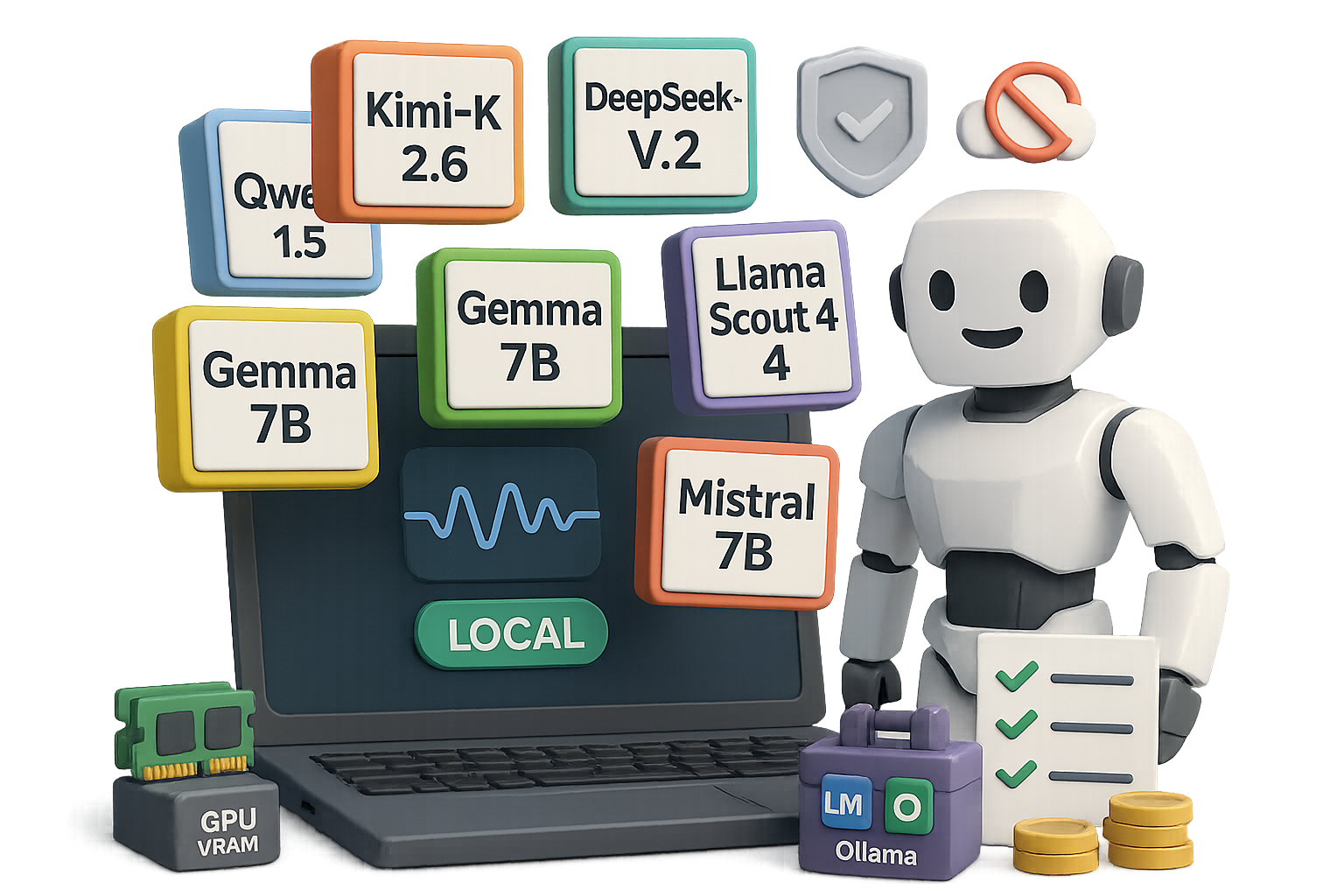
Run an AI on your laptop (and stop sending secrets into the cloud)
Tired of typing private prompts into servers you don’t control? Good—so are a lot of people. Running an AI locally keeps your data on your machine, removes surprise bills, and gives you instant access even offline. That’s the win.
Ready when you are.

Six models to run AI on your laptop (pick one and go)
These are the community favorites right now. Each one you can run locally, with open weights or permissive licenses.
- Kimi‑K 2.6 (Moonshot AI)
- MoE architecture, roughly 1T parameters in design.
- Open weights and permissive license.
- Strong on code generation; competition-grade on benchmarks.
- DeepSeek‑V 3.2
- RAM-friendly and quick to fine-tune.
- Scores near GPT‑4 on many evaluations.
- Qwen 1.5 (Alibaba)
- Up to 72B params and multilingual support.
- Tops several Hugging Face leaderboards.
- Gemma (Google)
- 2B and 7B versions; the 7B needs ~14 GB VRAM.
- Very fast generation—about 85 tokens/sec on a modern laptop.
- Apache 2.0 license, friendly for commercial use.
- Llama “Scout” 4 (Meta)
- 109B parameters with 17B active experts.
- Huge 10M-token context window—drop in a whole repo or book.
- Mistral (Mistral AI)
- Lightweight 7B plus MoE variants.
- Excellent at reasoning and function calling.
You can get within a few points of closed, expensive models for a fraction of the cost. Some community benchmarks show parity on many tasks.
Does your hardware handle local AI?
Short answer: probably yes. Match the model to your kit.
- Tier 1 — Everyday machines (16 GB laptop, mid-range GPU)
- Good fits: Gemma 7B, Qwen 14B (quantized), small Llama variants.
- Tier 2 — Power users (24 GB GPU, beefy laptop)
- Good fits: DeepSeek‑V 3.2, compressed Kimi‑K checkpoints.
- Tier 3 — Workstations (multi‑GPU, 128 GB+ RAM)
- Good fits: full-size frontier models with light quantization.
Quantized 4-bit builds often run on modest gear. You trade a sliver of accuracy for much lower memory needs. Expect interactive latency unless you use heavy compression.

Five reasons you’ll go local
- Privacy — your prompts never leave your network.
- Offline access — write on a plane, code in a cabin.
- No rate limits — generate as much as your GPU allows.
- Cost control — one-time hardware cost, no monthly API bills.
- Total control — fine-tune, modify or chain tools however you like.
Get started in five minutes
- Pick a model that fits your RAM/GPU budget.
- Install a friendly wrapper: LM Studio or Ollama.
- Download a 4‑bit quantized build to save memory.
- Run the model locally and test short prompts.
- Gradually increase context length and enable tools.
Do each step in order. Expect some fiddling on step 3. After that, it feels exactly like a hosted chatbot—minus the bill.

Tools that make setup painless
- LM Studio — point‑and‑click downloads, chat UI, local API endpoint.
- Ollama — lightweight CLI + menu app; single‑line installs (ollama run gemma).
If you must touch the terminal, these tools keep the messy bits behind the curtain.

Trade-offs you should know
- Setup friction — plan an evening to tinker.
- Peak quality — closed frontier models still lead in long-form reasoning.
- Ecosystem features — web search, image OCR or plugin ecosystems need extra local wiring.
For many users, getting 90% of GPT‑4 for 0% ongoing cost is a compelling trade.
Quick checklist before you commit
- Match model size to VRAM and RAM.
- Start with a 4‑bit build.
- Test a small dataset before scaling.
- Backup model files and configs.
- Track power and thermal load on laptops.
Running AI on your laptop gives privacy, control, and predictable costs. Try one model, use LM Studio or Ollama, and see how much you can save and speed up.
Want a guided learning path to get confident hands‑on with models and prompts? Learn foundational skills and practical labs at tixu.ai (beginner‑friendly).
Ready when you are.

Leave a Reply