
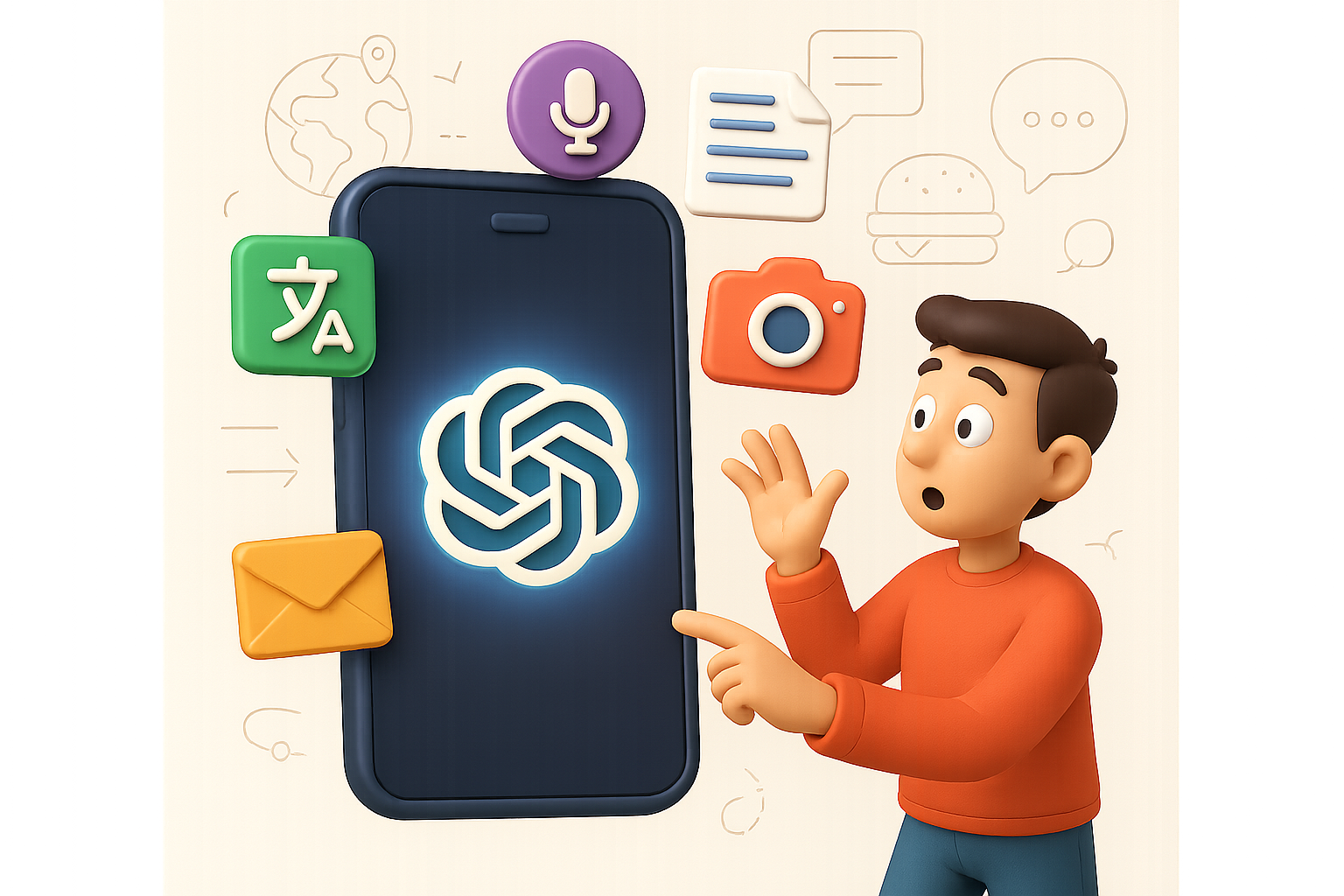
Unlock ChatGPT’s Superpowers—Right from Your Pocket
You know that moment when you’re stuck in a foreign country, staring at a menu in another language, and just winging it with the chicken? Yeah, those days are numbered. The official ChatGPT mobile app isn’t just a downsized desktop version—it’s an all-terrain AI sidekick that fits right in your front pocket.
No browser tabs. No third-party knockoffs. Just fast, direct access to OpenAI’s tools—plus a few clever tricks you might not expect.
In this guide, you’ll learn:
- 10 insanely useful things ChatGPT’s app can do today
- How to streamline your daily tasks, travel smarter, and sound like a pro with your files and emails
- A 5-step setup checklist to hit the ground running
Ready when you are.

1. See the World, Literally
Menu looking like a crossword puzzle? Street sign a total mystery?
Open ChatGPT’s camera mode, point it at the scene, and ask:
- “What’s number 22 on this menu?”
- “Does this product have sulfates?”
Boom—instant translation, ingredient breakdown, or description. It’s like Google Lens, but with actual conversation.

2. Speak Any Language, Smoothly
Meeting someone halfway across the globe?
Just press the voice button. Say something in English, and ChatGPT replies in their language—and vice versa. This isn’t clunky text-to-speech. It’s real-time, two-way translation with your response shown on screen.
Bonus points: you pick up new phrases as you use it.

3. Pick Your Voice, Go Hands-Free
Inside Settings → Voice Mode, you’ll find voices like “Bright,” “Maple,” or “Warm.” Choose the one that vibes with you.
Flip on “Background Conversations” and ChatGPT keeps talking—even when your phone locks. Perfect for hands-busy moments like driving or cooking.

4. Dictate Emails Like a Pro (No Thumbs Needed)
Stuck in a checkout line with a reply to send? Tap the mic and say:
“Write a friendly response confirming the order and asking for delivery details.”
ChatGPT gives you a polished email you can copy, tweak, and send—all faster than typing “hi.”

5. Add AI to Your Selfies
Snap a selfie ➝ type (or dictate):
“Add a giant dinosaur chasing me.”
In seconds, you’ve got surreal, social-ready images. No filters. No Photoshop. Just creativity, distilled.

6. Skip the Scroll, Get Straight Answers
Got a stain on your shirt? A cooking question mid-meal prep?
Ask directly:
“How do I remove a chocolate stain from cotton?”
No need to scroll forums—ChatGPT gives you a clear, step-by-step answer. From mystery to solution in under 30 seconds.

7. Tame That Massive PDF
Commuters and students—you’ll love this.
Tap the plus sign ➝ Upload File ➝ Choose any PDF or doc. Then ask:
“Summarise this and give me the key takeaways.”
Suddenly that 94-page research doc? A readable bulleted list. More insights, less skull sweat.

8. Switch Across Devices—Flawlessly
Start a blog outline on your laptop. Tweak the intro on your phone while waiting for coffee. Come back to it later on your iPad.
All chats sync to the cloud, so you never lose the thread. It’s like your ideas finally got a memory.

9. GPT-4o: The Deep-Thinking Upgrade (For Plus Users)
Subscribed to ChatGPT Plus? You get access to GPT-4o.
Think:
- Sharper reasoning
- Cleaner citations
- Faster responses
Ask it:
“I’m launching a cookie brand. What are five development steps and a YouTube strategy?”
You’ll get structured guidance—product R&D, launch messaging, influencer ideas—all backed by data. It’s like having a strategist in your pocket for $20/month.

10. Free to Start, Fun to Explore
Everything above is free to try—except GPT-4o.
Translation, vision, voice, sync, doc summaries—it’s all on deck, no payment required. Upgrade if you want faster, deeper brainpower. Otherwise? You’re already unstoppable.

Getting Started in Under 5 Minutes
- Download “ChatGPT” from the App Store or Google Play
- Sign in or create your OpenAI account
- Familiarize yourself with voice, camera, and file upload features
- Test out sync by opening a chat on multiple devices
- Optional: Tap the top bar to upgrade and try GPT-4o
The Bottom Line
This isn’t a chatbot. It’s a pocket-sized productivity tool, creativity booster, and travel buddy—all powered by AI.
Whether you’re decoding foreign labels, translating on the fly, drafting faster emails, or turning documents into digestibles—ChatGPT’s mobile app helps you do more, faster.
Want to go from curious beginner to confident creator?
👋 Start learning AI the friendly way with Tixu—the platform that makes AI click for beginners.

Leave a Reply