
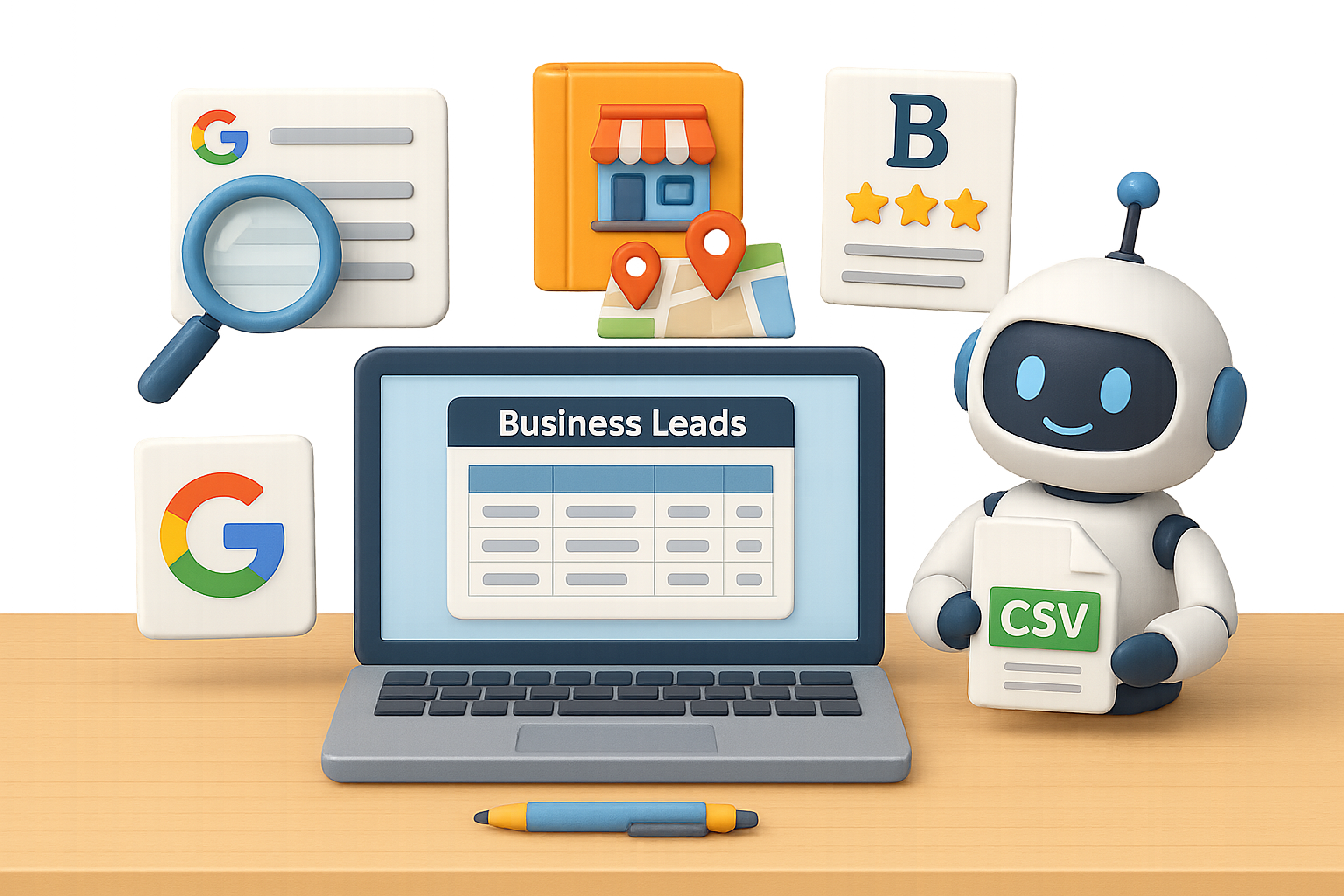
Outbound Prospecting Made Easy: How to Generate Targeted Leads with DeepSeek R1
Buying stale email lists? Still copying and pasting leads manually? Yeah, let’s not.
There’s a better way—and it’s faster, cheaper, and dare we say, a little fun. With the release of DeepSeek R1, a free open-source AI that outperforms ChatGPT and Claude on multiple benchmarks, lead generation just leveled up. No coding, no scraping tools, no VA army required.
Follow these three simple workflows to build a personalized lead pipeline using nothing but public data and DeepSeek. You’ll be uploading to your favorite cold email tool in minutes.
Let’s fix the lead gen grind—for good.

Skip the Lead List. Here’s Why
Old-school prospecting eats your time and budget. Here’s what you’re up against:
- Bought lists? Pricey, outdated, and often inaccurate.
- Manual research? Slow and soul-sucking.
- Virtual assistants? Better, but still bottlenecked.
With DeepSeek R1, you pull structured, clean data in seconds—without touching a spreadsheet formula. Below are three go-to methods that deliver results.

Method 1: Google Knows Everyone—Use It
This one’s deceptively simple—but wildly effective.
- Open Google > Click Settings → Advanced search
- Under “all these words,” type your niche (e.g., personal trainers)
- In “exact word or phrase,” type @gmail.com (or @outlook.com, @companydomain.com—you decide)
- Hit search. You’re now looking at pages that mention your niche AND display an email.
- Copy a few pages of results (don’t overdo it).
- Drop it into a new DeepSeek chat and prompt: “Format this into a table: Business Name | Email | First Name | Last Name | Instagram | Phone Number.”
- Voilà. DeepSeek pulls structured contact info like a seasoned researcher.
- Ask it to “export to CSV.”
Pro tip: Stack filters like “crossfit gyms in Austin” to narrow hyper-targeted lists.

Method 2: Mine the Directories People Trust
Niche directories are gold. Why? Businesses list themselves—so the data stays fresher.
Examples that work:
- Compass.com (real estate agents)
- Local Chambers of Commerce
- Industry conferences and expos
Workflow:
- Find the directory. Apply filters if available (like area or specialty).
- Highlight a batch of listings—emails, phones, profile links—whatever you see.
- Paste into DeepSeek. Prompt: “Create a table with: Name | Company | Email | Phone Number | License #.”
- DeepSeek formats everything. You get clean, ready-to-go leads in seconds.
This approach works especially well in B2B niches where trust and specialization matter.

Method 3: Scale Up with Broad Databases
Need hundreds or thousands of leads? Large public directories are where you scale.
Take the Better Business Bureau (BBB), for instance:
- Search “landscaping companies” on BBB.org in your target city.
- Highlight the listed businesses—include names, ratings, phone numbers, URLs.
- Feed it to DeepSeek: “Extract Business Name, Rating, Phone Number, and Website into a table.”
- Ask for the CSV. Done.
Bonus: High BBB ratings hint at businesses that care about reputation—and usually have marketing budgets ready to go.

From Data to Outreach in Minutes
Once you’ve got your lead file:
- Open Google Sheets or Excel. Check that everything’s in the right columns.
- Save or export as CSV.
- Open Instantly.ai (or your preferred cold email tool).
- Upload the CSV and map your fields—name, email, company, etc.
- Write a simple, punchy email sequence. Keep it value-focused.
- Hit send and start booking calls.
Congrats—you’ve built a lead machine without spending a dime on data.
Quick Recap Before You Go
- DeepSeek R1 is free, open-source, and scary good at turning messy info into lead-ready lists.
- Use it with:
- Google Advanced Search
- Industry-specific directories
- Broad databases like the BBB
- A few smart prompts replace hours of busywork.
- Export as CSV, plug into your outreach tool, and start reaching real prospects—fast.
You’ve got the AI power. Now it’s just about applying it.
🎓 Want to learn more tricks like these—even if you’re new to AI? Check out Tixu, the beginner-friendly platform for mastering practical AI skills that actually get results.
Ready when you are.

Leave a Reply