
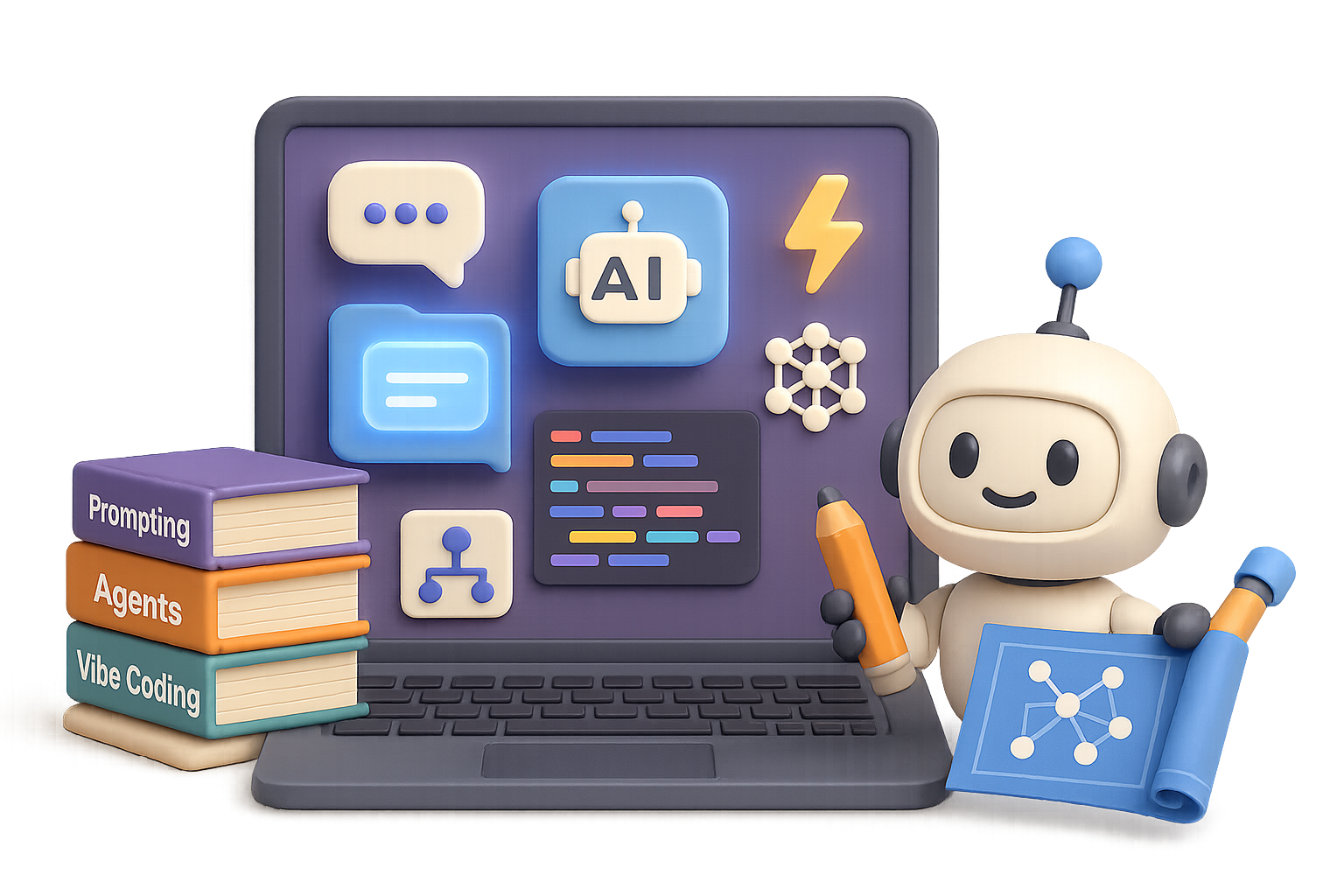
The Essential AI Skills Stack for 2025
You’ve seen it: AI headlines everywhere. Feels like it’s either taking over the world or just writing soulless emails. The truth? Somewhere in between—but there’s real upside if you’ve got the right skill stack.
Whether you’re shipping product, writing copy, or leading a small team, the right AI moves can save you hours, unlock creativity, and future-proof your career. This post walks you through the essential skills, tools, and mindsets to thrive in the AI-powered world of 2025.
Let’s dive in. No hype—just what works.

Learn the AI Lingo (You’ll Thank Yourself Later)
You don’t need to be an ML engineer. But knowing your GPTs from your Geminis? That’s table stakes now.
Here’s what actually matters:
- Artificial Intelligence (AI): Software that mimics human tasks. Think writing, analyzing, planning.
- Generative AI (GenAI): AI that creates stuff—text, images, code, audio.
- Large Language Models (LLMs): GenAI trained on huge text datasets that can talk, write, and reason. GPT-4o, Claude 3, and Gemini 1.5 Pro are frontrunners.
- Multimodal Models: These handle mixed inputs and outputs like text + images + audio. It’s like Siri, but smarter…and with receipts.
Learning the vocab isn’t about impressing anyone—it’s about not getting lost in docs or product demos. More importantly, it sets the stage for the power skills.

Prompt Like a Pro: High ROI, Low Stress
Prompting = telling AI what you want. That’s it. And yes, most people are… not great at it. But you? You’ve got two handy frameworks.
1. TCR-EI (Tiny Crabs Ride Enormous Iguanas )
Use this for solid results:
- Task – Be direct. “Write a caption for Instagram” beats “Be creative.”
- Context – Brand tone, audience, timing—give the AI something to work with.
- Resources – Link your style guide, past posts, even spreadsheets.
- Evaluate – Gut check: Is this actually useful?
- Iterate – “Make it funnier and shorter”—small nudges drive better drafts.
2. RSTI (Ramen Saves Tragic Individuals)
Still not clicking? Do this:
- Revisit – Are your instructions contradictory?
- Split – Break monster prompts into snackable pieces.
- Try Alternatives – Rephrase like you’re talking to a friend.
- Introduce Constraints – Add length, tone, or format limits. Makes things pop.
Prompting’s the gateway skill. Nail this, and everything else gets easier.

Turn Chat Into Action: Meet AI Agents
AI isn’t just answering questions—it’s taking action.
Imagine a bot that updates a CRM, answers emails, and books meetings while you sleep. That’s an AI agent. And they’re coming fast.
Here’s what powers them:
- Model – The brain behind it all (GPT-4o, Claude 3, Gemini, etc.)
- Tools – APIs and databases it can call to get stuff done
- Memory – Long-term recall, private docs, interactions
- Voice I/O – Useful for support, onboarding, and accessibility
- Guardrails – Your AI should behave (no rogue emails, please)
- Orchestration – How it all runs, scales, and evolves
You don’t need to write raw code (unless you want to). Builders like LangChain, Gumloop, and Retool’s agent platform make it drag-and-drop simple.
For devs: explore OpenAI’s Agent SDK or Google’s ADK. Bonus: multi-agent systems are starting to cooperate like tiny AI startup teams. Modular plug-ins are gaining ground too—think USB-style tools with wildcard flexibility.

Vibe Coding: LLMs as Your Coding Co-Pilot
You describe the idea. The AI scaffolds the code. That’s “vibe coding.”
Coined by Andrej Karpathy, it’s a collab where you focus on vision while the model handles boilerplate.
Here’s your survival guide: TF-CDC — Tiny Ferrets Carry Dangerous Code
- Thinking – Start with a mini spec (product goal, users, tech stack).
- Frameworks – Tell it what tech to use (React, Three.js, etc.). Unsure? Ask the AI.
- Checkpoints – Commits every ~30 minutes. Trust us.
- Debugging – Expect bugs. Feed the model exact errors + screenshots.
- Context – More input = smarter output. Share wireframes or sample data.
Tool picks by skill level:
- Zero-code: V0.dev, Lovable, BoltAI
- Beginner+: Replit (shows you what it’s doing)
- Intermediate: Firebase Studio (toggle between prompt + IDE)
- Advanced: Cursor, WindSurf (AI-native code editors)
- Power: GPT-CLI, Claude-Code (for terminal wizards)
This isn’t about replacing devs. It’s about building faster—with fewer facepalms.

Three Macro Shifts Worth Watching
Want to stay ahead of the curve? Keep your eyes on these:
- Deep Integration
LLMs are sliding into everyday tools. Gmail, Notion, Excel, Figma—everything’s going low-key “assistant mode.” - Dev Productivity Explodes
Command-line copilots + AI-driven IDEs = serious time savings. Learning prompt-first coding now gives you an edge. - Agent Startups Everywhere
For every SaaS app today, a leaner AI agent version is coming. Cheaper, faster, always-on. Understanding agent anatomy isn’t optional—it’s your future competitive advantage.

Your Playbook: Learn, Build, Repeat
Here’s the recap:
- Master prompting with TCR-EI + RSTI
- Explore AI agents and how they act for you
- Try vibe coding to supercharge side projects
- Keep an eye on tools morphing into smart collaborators
You don’t need to do everything at once. Pick one area, get your reps in, then level up.
Want a friendly place to learn, experiment, and build with others?
Check out Tixu.ai — a beginner-friendly AI learning hub to sharpen your skills and ship cool stuff.
Ready when you are. 🚀

Leave a Reply